11/17/2025
Sometimes, the best solutions come from the junk pile. I spent all weekend tackling a small but meaningful challenge. How to make sure my indoor plants are thriving, even when I’m not around to baby them? Watering timers? Sure. Light cycles? Of course. But I wanted more than just a couple of smart plugs on a schedule… I wanted control, oversight, and insight. So I built it.
📦 From Trash PC to Smart Home Brain
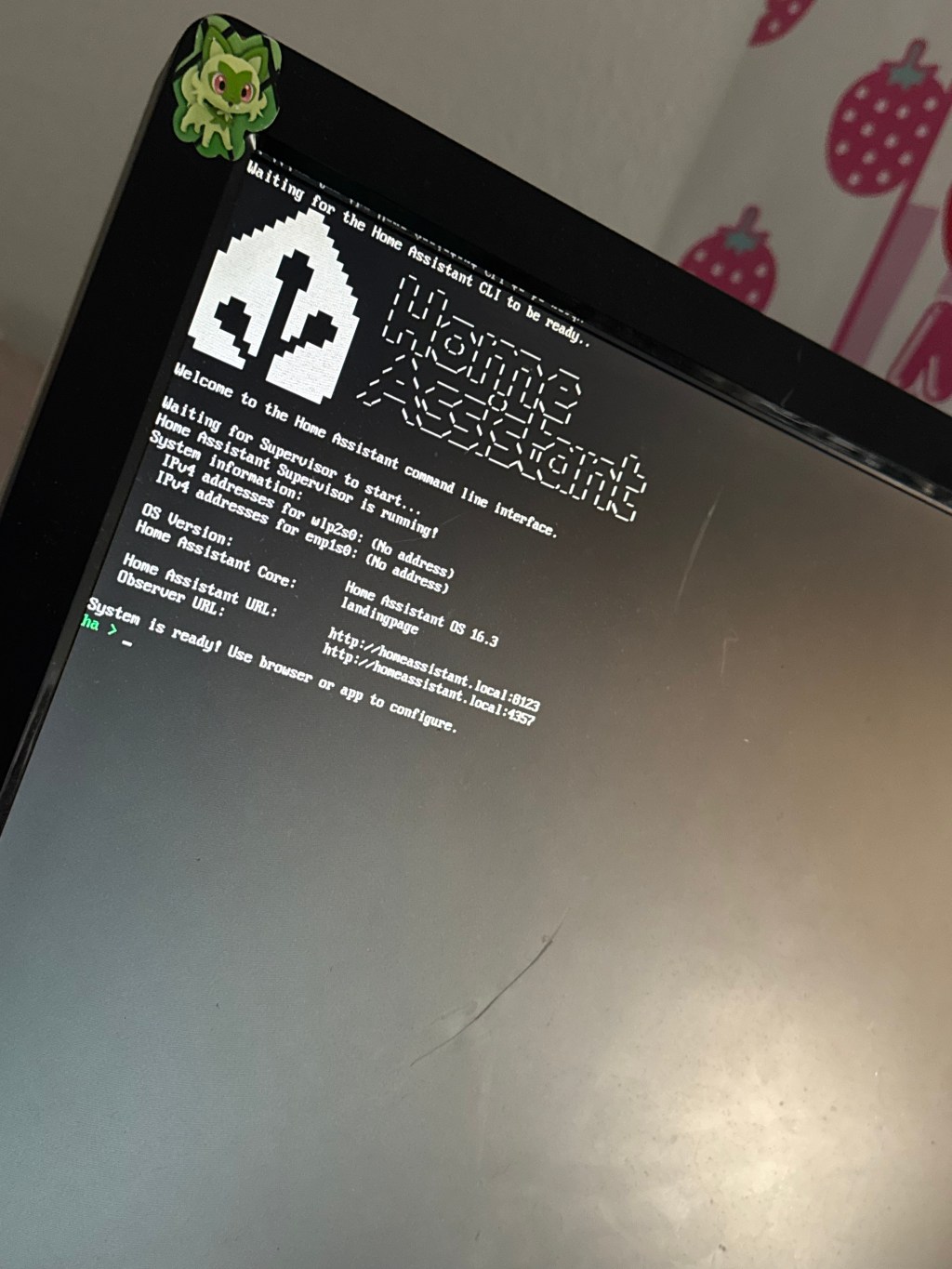
Enter: my spare Dell. Yes, yes, I know a Raspberry Pi would’ve worked just fine. But when you’ve got a dusty, half-forgotten mini desktop that’s otherwise destined for electronic purgatory, why not give it a second life? I wiped it, gave it a clean OS install, and turned it into the brain of my new smart home setup, anchored by Home Assistant.
Once online, it became the command center, not just for the grow tent, but for my entire home.
🧠 Dashboard Dreams: Interactive & Intuitive
With Home Assistant installed, I rolled up my sleeves and built a custom dashboard that’s equal parts functional and satisfying. This isn’t just a control panel for my plant corner it’s a full-home command station.
- 🌞 Toggle lights (including my indoor panels)
- 🌡️ View real-time temperature & humidity stats
- 🎥 Live-feed camera integration for visual checks
- 🔌 Remote control of plugs, outlets, and more
Whether I’m across the house or out running errands, I can check in, make adjustments, and know everything is running smoothly.
💡 Smarter, Not Harder
The coolest part? This system is modular. That means as I add more sensors or devices whether it’s motion detectors, soil moisture probes, or voice assistant. It’ll scale with me! No more guessing if I left the lights on. No more wondering if the tent is overheating. It’s all right there on my phone or PC.
xx
Soph
 Semi Secret Sophie🌙✨
Leave a comment